 IKARUSpersonal ai os
The problem it solves
Repeating the same instructions wastes attention, but a repeated action is not automatically a routine you want. Workflows let you save useful steps and decide which suggestions deserve a place in your work.
Save repeatable steps and review suggestions for routines worth keeping.
Repeating the same instructions wastes attention, but a repeated action is not automatically a routine you want. Workflows let you save useful steps and decide which suggestions deserve a place in your work.
For people who repeat project briefings, research tasks or other small processes and want to review a reusable routine before running it again.
Screenshot unavailable. You can continue with the text below.
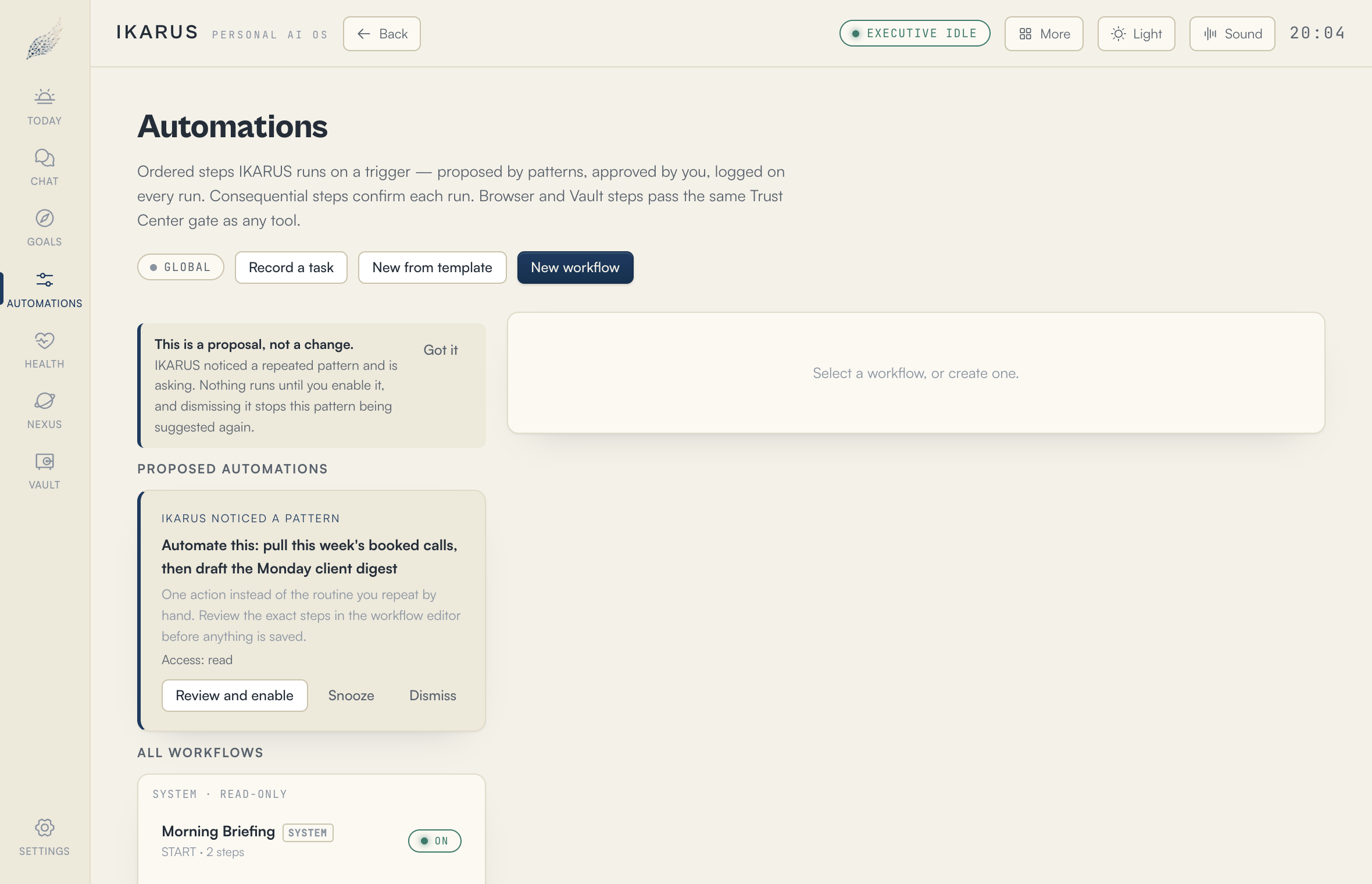
A workflow is a saved set of steps. You might use one to read project notes and prepare a briefing, or collect findings from a browser task into the Vault. Link a workflow to its Nexus to keep it with the work it supports.
Repeated activity can also lead to a suggested workflow. Review the proposed steps and access, snooze the suggestion or dismiss it. A suggestion does not turn itself on, and saving a workflow does not grant it extra permissions.
The public Mac release is being prepared. Free includes three Nexus workspaces, tasks, goals, habits and notes, with no AI. AI chat, advanced planning, browser assistance and automations need a paid plan and a compatible model. Compare plans or join the waitlist.

Explore IKARUS for Mac. Start with Free, and add more when you need it.